

Read our comprehensive cinehd app review for Android users. Learn about features, device compatibility, safety considerations, and legal streaming alternatives.
A Complete cinehd App Review for Android Users
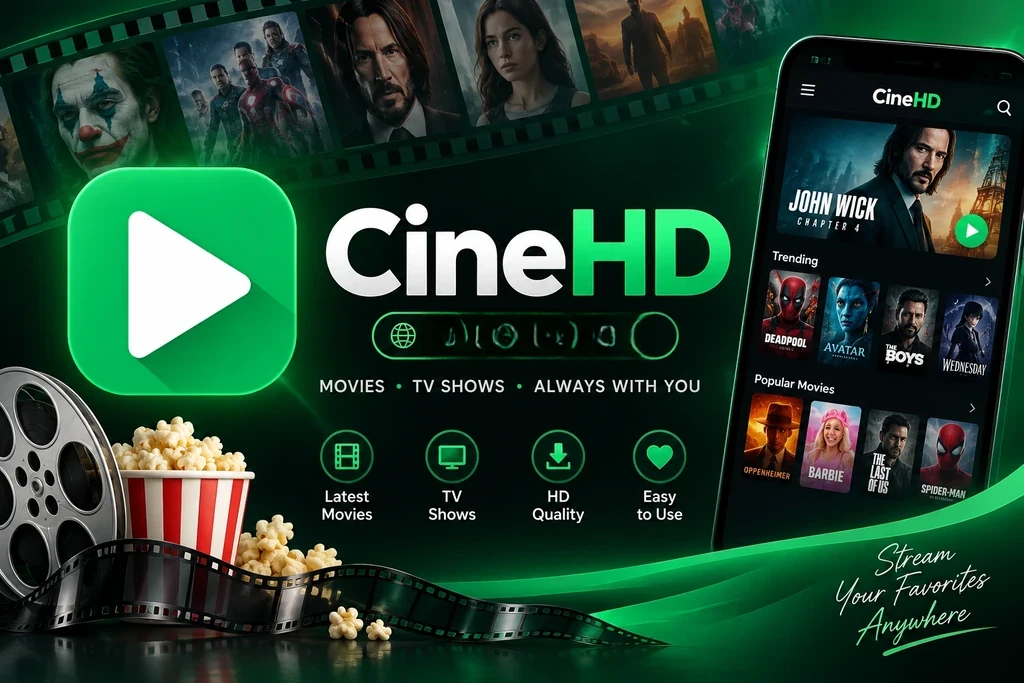
Finding a suitable mobile media platform can be challenging for Android users in India who want to explore diverse entertainment options. This detailed guide examines cinehd, outlining its core characteristics, device compatibility, potential safety considerations, and how it compares to established subscription-based platforms. By exploring these factors, readers can make an informed decision about whether this application aligns with their digital consumption habits and device security requirements.
What is cinehd
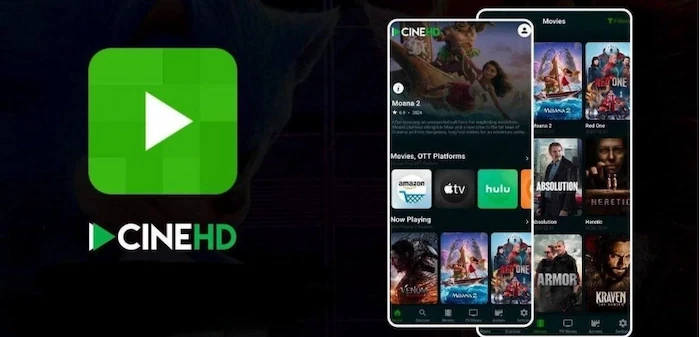
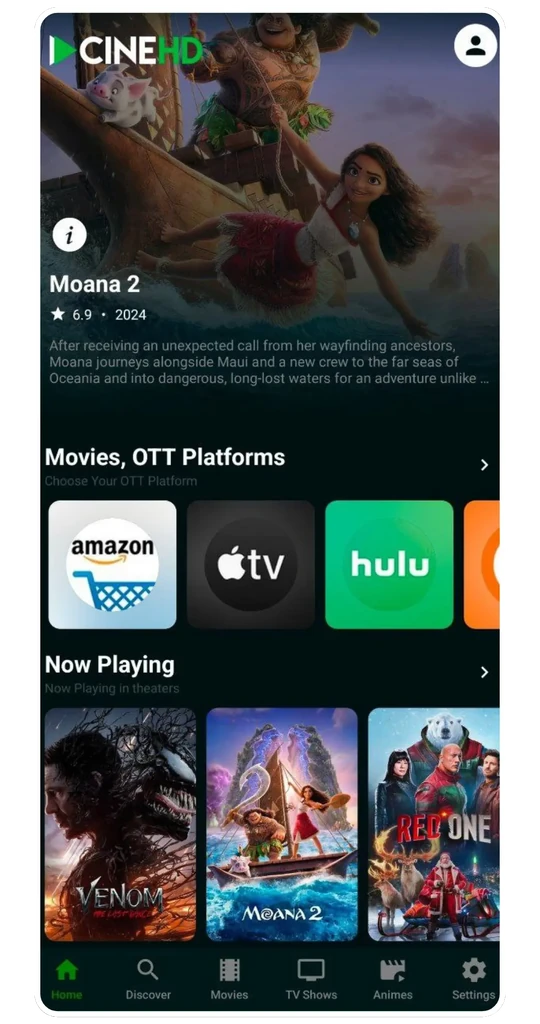
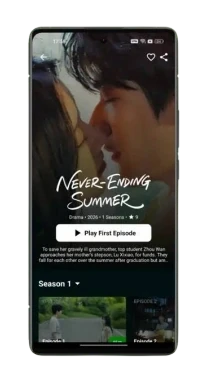
The cinehd Android app functions as a media aggregation tool designed to let users access a wide variety of video content, including movies, serialized dramas, and live television broadcasts. It is particularly recognized among mobile users seeking a centralized interface for diverse digital media. The platform organizes multiple genres into structured categories to simplify navigation for everyday viewers.
Regarding content sourcing and authorization, this page could not verify that the app holds licences for the content it offers. Because formal distribution rights are difficult to confirm from independent descriptions alone, users must approach the platform with an awareness of unverified broadcasting rights. Independent streaming tools often source materials from third-party networks without transparent licensing agreements, making it essential for users to research local copyright regulations before interacting with unverified media distributors.
Key cinehd Features
The application incorporates several interface elements intended to streamline the viewing experience on mobile hardware. These features range from playback controls to organizational utilities designed for convenience.
Massive Content Library
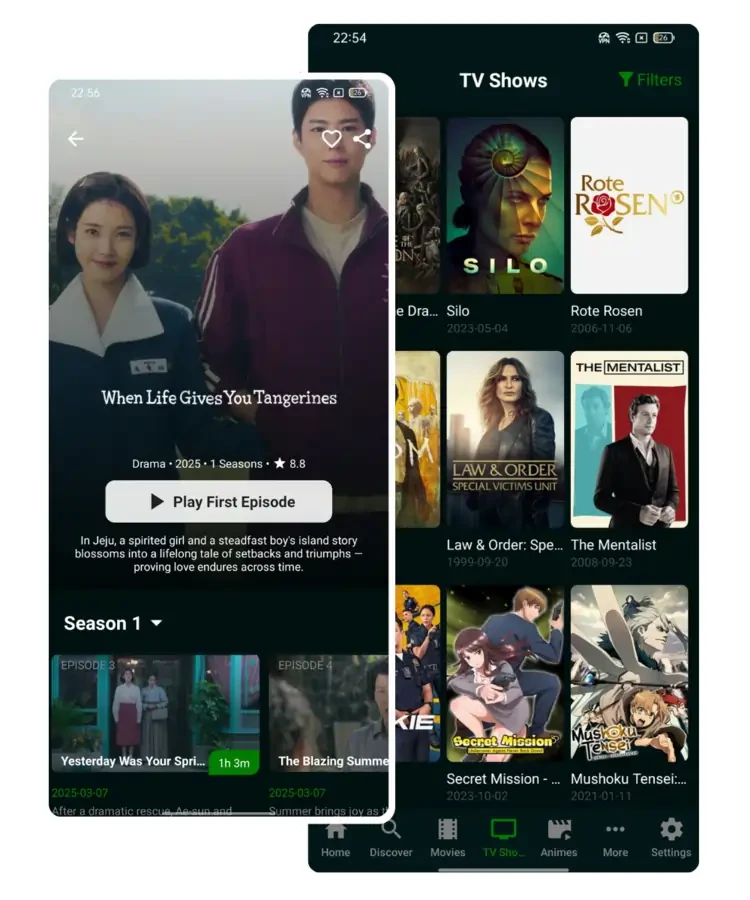
The platform aggregates numerous movies, television shows, and broadcast channels within a single interface. Users can browse through various categories to locate different types of entertainment media quickly. This centralized catalog aims to reduce the time spent searching across multiple distinct applications.
Ad-Free Experience
A notable aspect highlighted by users is the reduction or complete omission of promotional interruptions during playback. Removing sudden commercial breaks helps maintain continuity during dramatic scenes, offering a smoother visual experience compared to ad-supported streaming utilities.
HD Streaming Quality
The application supports high-definition video playback for compatible media files. Users with stable and high-speed internet connections can experience clear visual output. However, stream resolution adapts dynamically based on network bandwidth availability and device processing capabilities.
Offline Downloading
To accommodate viewers with limited mobile data or those who travel frequently, the platform permits local file downloads. Users can save selected video files directly to their device storage for subsequent viewing without requiring an active internet connection.
Live Sports Integration
A dedicated sports section provides access to live broadcast events and match highlights. This feature caters to sports enthusiasts who wish to follow cricket, football, and other athletic competitions directly from their mobile device or home display setup.
Smart Resume and Playback
The application includes an auto-resume utility that remembers the exact timestamp where playback was previously interrupted. This function allows viewers to continue watching from the same point upon reopening the media player, minimizing manual searching.
What You Can Watch
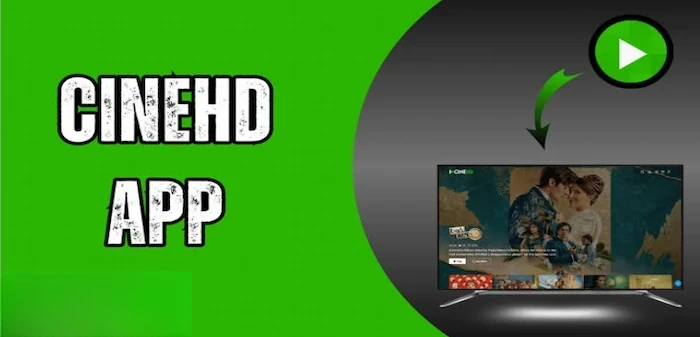
The platform houses a broad selection of entertainment categories tailored to regional preferences across South Asia. Viewers can explore an array of Bollywood productions, South Indian regional language films in Tamil and Telugu, and various localized television series. The media collection also encompasses dramatic serials, reality television shows, and general interest broadcasts. Language preferences often span multiple regional dialects, allowing users to select audio tracks or subtitles when available. While the library covers numerous traditional genres, the exact availability of specific titles fluctuates frequently based on external media updates and server-side configurations maintained by independent operators.
Device Compatibility
- Android smartphones running various custom user interfaces
- Android tablets and portable media pads
- Android TV boxes and smart television sets
- Amazon Firestick and similar casting peripherals via side-loading methods
cinehd vs Licensed OTT Platforms
| Feature | cinehd | Licensed OTT Platforms (e.g., Netflix, Prime Video) |
|---|---|---|
| Content Authorization | Not confirmed | Fully licensed with legal distribution rights |
| Pricing Structure | Free of cost | Tiered subscription plans or ad-supported tiers |
| Video Quality | Up to HD (network dependent) | Consistently optimized HD, Full HD, and 4K Ultra HD |
| Advertising | Minimal or hidden | Varies by plan (some tiers include commercial breaks) |
| Customer Support | Not available | Dedicated 24/7 technical and billing assistance |
| Update Frequency | Irregular / Manual APK updates | Automatic updates via official app stores |
Pros and Cons
| Pros | Cons |
|---|---|
| Provides a vast library of regional movies and TV series | Unverified content licensing and copyright status |
| Includes offline downloading for travel convenience | Requires downloading unverified APK files from external sites |
| Features a built-in live sports streaming section | Potential stability issues and playback buffering on weak networks |
| Ad-free playback environment for uninterrupted viewing | Lacks official customer service and verified security guarantees |
Safety and Legal Considerations
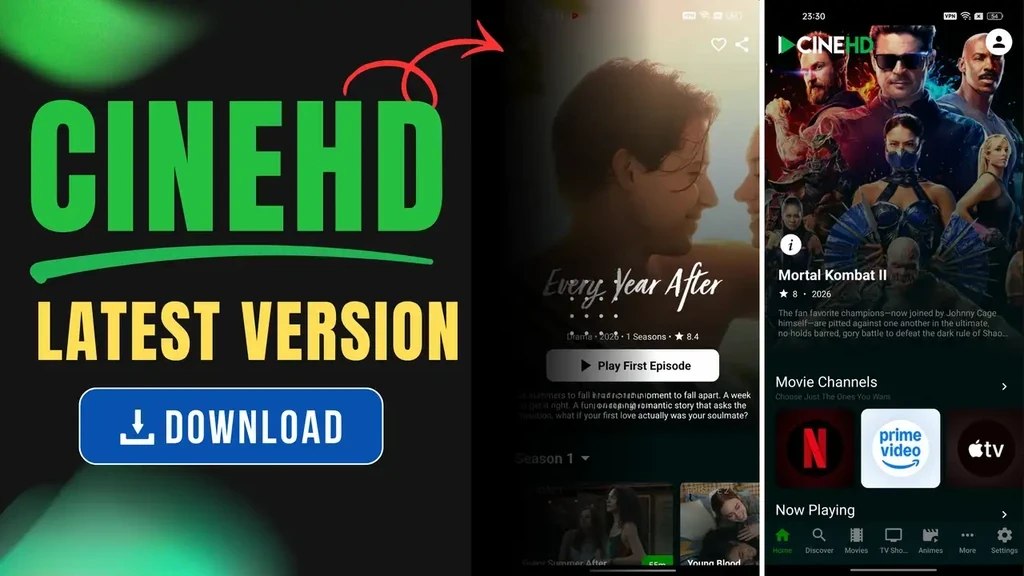
Installing applications from sources outside official storefronts introduces distinct cybersecurity risks for Android device owners. Files obtained as standalone APK packages lack the automated security scanning and developer verification provided by official distribution channels. Consequently, unverified files may harbor hidden malware, request excessive device permissions that compromise personal data privacy, or fail to receive timely security patches.
Furthermore, the legal implications of streaming unverified media require careful consideration. In India, accessing copyrighted content through unauthorized channels can violate intellectual property laws and copyright regulations. Because this platform's broadcasting rights remain unconfirmed, users must independently evaluate the legal risks associated with viewing media from third-party aggregators. It is always advisable to consult local legal frameworks regarding digital copyright compliance before interacting with unverified streaming applications.
Before installing any external application, users should perform routine security assessments. This includes verifying the reputation of the hosting website, inspecting the specific system permissions requested during installation, and ensuring that security tools such as Google Play Protect are active on the Android device to monitor for potential anomalies.
Before You Install
Because official distribution and verified licensing cannot be confirmed for this utility, users should carefully evaluate their security priorities before proceeding. Review the following safety checklist:
- Verify the identity and reputation of the entity offering the installation file.
Common Problems and Troubleshooting
Users interacting with media streaming applications frequently encounter minor technical hiccups. Here are standard troubleshooting methods for common playback obstacles:
Video Buffering and Lag: Persistent stuttering usually stems from unstable internet connectivity. Test your network speed, switch between Wi-Fi and mobile data, or move closer to your router to improve signal strength.
App Crashing on Startup: Corrupted temporary data can cause sudden closures. Navigate to your device settings, locate the application manager, clear the accumulated cache files, and restart the software.
Audio and Video Out of Sync: Desynchronization often results from temporary processor strain. Restarting the media player or closing background applications running on your Android device typically resolves the delay.
Licensed Alternatives
For viewers prioritizing verified safety, legal compliance, and robust customer support, numerous licensed streaming services operate across India:
- Netflix: A global streaming leader offering a massive catalog of original movies, international series, and regional Indian content. Ideal for users seeking high-definition entertainment without security risks.
- Amazon Prime Video: Provides a diverse selection of blockbusters, web series, and live sports integration bundled with shopping benefits. Suitable for families looking for multi-device streaming options.
- JioHotstar: A prominent local platform featuring extensive sports broadcasting, live cricket, blockbuster movies, and popular television serials. Best for fans of regional entertainment and live sporting events.
- SonyLIV: Known for original web series, sporting tournaments, and a wide variety of television broadcasts. Perfect for viewers wanting a mix of regional dramas and live sports.
- ZEE5: Offers a rich collection of multilingual movies, original digital shows, and live TV channels. Ideal for audiences preferring dedicated regional language content.
Frequently Asked Questions
What is cinehd?
cinehd is an Android-based media streaming application designed to aggregate movies, television shows, and live broadcast channels into a single mobile interface for user convenience.
Is cinehd safe to download?
Downloading applications from unverified third-party sources carries inherent risks, including malware exposure and privacy concerns. Users must exercise caution and rely on built-in security tools.
Are the streams on cinehd legally authorized?
This page could not verify that the app holds licences for the content it offers. Users should be aware of potential copyright and legal implications when streaming unverified media.
Does cinehd require a subscription fee?
The application is generally described as a free service, though users should remain mindful of hidden risks, potential data collection, and the lack of official customer support.
Can cinehd be connected to a smart television?
Yes, users frequently install the application on Android TV boxes, Firestick devices, or compatible smart screens using side-loading methods to view media on larger displays.
Conclusion

The cinehd Android app presents a feature-rich environment for individuals seeking an all-in-one media aggregation tool with offline download capabilities and live sports access. However, unverified content licensing, potential cybersecurity risks associated with external APK files, and the absence of official developer backing require users to exercise extreme caution. Viewers prioritizing device safety, stable performance, and legal compliance will find that exploring authorized Indian streaming platforms remains the most secure and reliable choice for digital entertainment.